

Christmas 2026: how to be the answer when shoppers ask search and AI
A Christmas 2026 playbook for search, AI answers and email: what to publish, when to send and how to handle shipping cut-offs and the days after Dec 25.
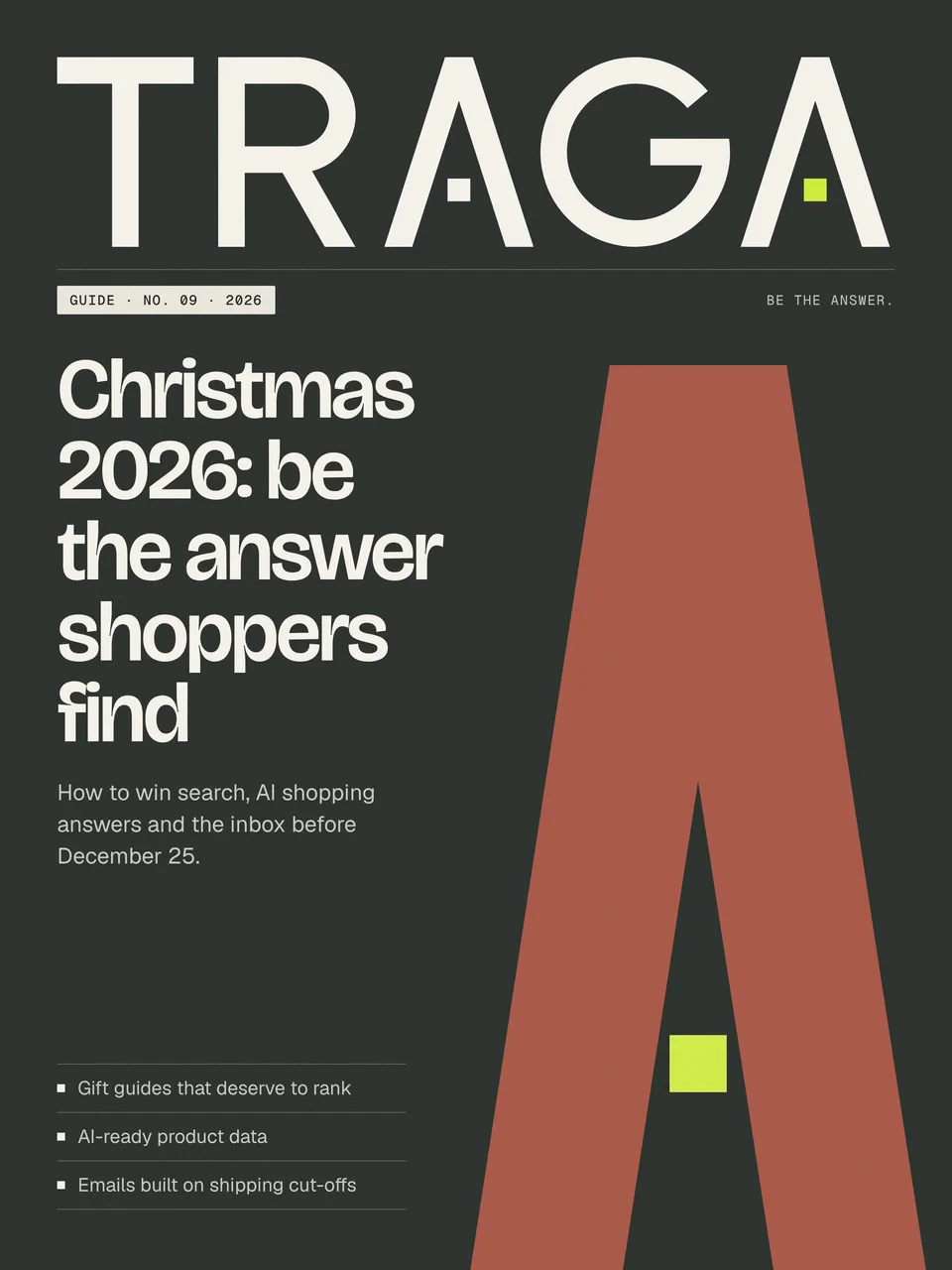
Short answer: Christmas falls on Friday, December 25, 2026. To win organic sales, make sure your gift and category pages are fast, clear about delivery dates and easy for AI tools to quote; publish genuinely useful gift guides on permanent URLs; and plan emails around shipping cut-offs rather than generic countdowns. Then use the week after Christmas to turn gift recipients into customers.
Christmas shopping happens across more surfaces than ever. People still search Google, but they also ask AI assistants for gift ideas, compare products in AI Overviews and shopping tabs, and read newsletters from brands they trust. This guide covers all of them.
How Christmas shopping journeys work now
A typical journey might look like this: a shopper asks an AI tool for ‘gift ideas for a dad who likes cooking under 50 dollars’, clicks through to two or three suggested products, searches for one brand name to check reviews and delivery, and finally buys after a reminder email about the last order date.
That journey touches GEO, SEO, branded search, online reviews and email. The brands that win are present and consistent at every step.
Step 1: map your Christmas demand
Use last year’s Google Search Console data from October to December to see which queries and pages performed. Then check Google Trends for your main gift categories to see when interest starts rising and peaks.
Group what you find by search intent:
- Inspiration: ‘gift ideas for’, ‘best gifts for’, ‘stocking stuffers’
- Comparison: ‘best X for Y’, ‘X vs Y’, ‘top rated’
- Purchase and logistics: ‘buy’, ‘delivery before Christmas’, ‘gift card’, ‘last order date’
Each group needs a different page type: gift guides for inspiration, comparison content and category pages for comparison, and product and delivery pages for purchase.
Step 2: build gift guides that deserve to rank
Most gift guides are lists of products with a sentence each. That makes them easy to ignore. Strong guides are organised around a real person and situation, explain why each item is a good fit and include honest details like price, size and who it is not for.
Good practices:
- Use a permanent URL, such as
/gifts/for-coffee-lovers, and update it each year. - Open with a short answer: the three best picks and why.
- Include a comparison table with price, key feature and delivery speed.
- Show real photos and, where possible, your own testing notes or customer quotes. This is the experience part of E-E-A-T.
- Link each item to its product page, and link back to the guide from relevant category pages.
Google’s guidance on writing high-quality product reviews is a useful standard for gift guides too: show evidence of use, explain trade-offs and help people decide.
Step 3: make product data AI-ready
AI shopping features and rich results rely on structured, accurate data. Before December:
- Check product schema on every product page: name, image, price, currency, availability, brand and identifiers such as GTIN.
- Add shipping and return details to your Merchant Center settings and markup where supported. Google documents these in its merchant listing structured data guide.
- Keep your product feed updated at least daily so sale prices and stock are correct.
- Collect and display genuine reviews, marked up with review schema where guidelines allow.
When an AI tool or shopping tab compares options, accurate data is what gets your product included and described correctly.
Step 4: be clear about delivery dates
The single most useful thing a Christmas page can say is whether the item will arrive in time. Put your last order dates for each shipping method in plain text on:
- Your home page and a site-wide banner
- Product and category pages
- A dedicated delivery page, with an FAQ
- Order confirmation and shipping emails
These details answer the ‘will it arrive before Christmas’ searches and prompts that spike in mid-December. Mark up the delivery page with an FAQ section that matches how customers ask, using answer-first content so answer engines can quote it.
Step 5: plan Christmas email around real moments
Instead of a daily countdown, plan emails around moments that matter to shoppers:
| Timing | Purpose | |
|---|---|---|
| Late November | Gift guide launch | Inspiration, segmented by interest |
| Early December | Best sellers and reviews | Social proof for undecided shoppers |
| A few days before standard cut-off | Last order date, standard shipping | Urgency with a real reason |
| Before express cut-off | Last chance, express shipping | Final physical gift push |
| December 22 to 24 | Gift cards and digital gifts | For people who left it too late |
| December 26 onward | Sale and new-customer welcome | Gift recipients and bargain hunters |
Segment by past purchases and interests, so a customer who bought tea last year gets a tea-lover’s gift guide. Keep frequency sensible. Christmas is when unsubscribes and spam complaints rise, and a spike in complaints can hurt deliverability at the moment it matters most.
Step 6: prepare the site for peak traffic
Test your top landing pages for speed and stability on mobile. Remove seasonal widgets that slow pages down, compress new holiday imagery and make sure banners reserve their space so the layout does not jump. The Core Web Vitals thresholds documented on web.dev are the standard to aim for.
Also check that checkout works smoothly on mobile, that gift options such as messages and wrapping are easy to find and that customer service contact details are clear.
Step 7: measure what matters
Set up UTM parameters for every campaign link, confirm purchases fire as key events in GA4 and build a simple daily view of revenue by channel. Track AI referrals too: GA4 shows visits from sources such as chatgpt.com and perplexity.ai, which can indicate how often AI tools send shoppers your way.
Step 8: use the week after Christmas
The days after December 25 are often overlooked. Gift recipients are discovering your brand for the first time, and many shoppers are spending gift cards.
- Send welcome series emails to new customers and people who registered gifts.
- Publish ‘getting started’ content for popular gifts, which also attracts searches like ‘how to use’ and ‘set up’.
- Promote gift card redemption and post-Christmas sales.
- Ask happy customers for reviews while the experience is fresh.
A worked example
An independent tea retailer planned its Christmas season in September. It refreshed three permanent gift guide URLs, each organised around a type of tea drinker, with honest notes and a comparison table. It cleaned up its product feed, added shipping dates to every page and built a delivery FAQ.
By late November the guides ranked on page one for several ‘gifts for tea lovers’ searches, and AI tools began citing one guide when asked for tea gift ideas. A five-email sequence tied to shipping cut-offs drove most of December’s email revenue, and a post-Christmas welcome flow converted a share of gift recipients into repeat customers in January.
Common Christmas mistakes to avoid
- Publishing too late. A gift guide that goes live in mid-December rarely ranks before the season ends. Treat September as your deadline for new pages.
- Creating a new URL every year. Dated URLs such as
/christmas-gifts-2025start from zero each time. A permanent URL keeps its links and history. - Hiding key facts in images. Prices, discounts and delivery dates inside banners cannot be read by search engines, AI tools or screen readers. Put them in text.
- Discounting everything. Deep, constant discounts train customers to wait and erode margin. Useful content, clear delivery promises and gift options often convert just as well.
- Over-sending email. Daily emails to your whole list in December can push complaint rates up and send even your best messages to spam.
- Forgetting accessibility. Festive designs with low-contrast text or animated snow make pages harder to use. The W3C’s WCAG overview is a good reference for contrast and motion.
What to start now if you are late
If you are reading this in late November or December, focus on quick wins: update existing gift and category pages, add delivery dates everywhere, fix product data, and plan your cut-off emails. Then write down everything you learn for next year. The Thanksgiving 2026 guide has a day-by-day version of the late-season sprint.
Christmas checklist
- Gift guides live on permanent URLs, refreshed for 2026
- Product schema, feed and reviews accurate
- Delivery dates on every key page and in emails
- Email calendar built around shipping cut-offs
- Site speed and checkout tested on mobile
- UTMs, key events and AI referral tracking ready
- Post-Christmas welcome and review requests scheduled
Want a Christmas plan built around your own data? Request a free audit. Our SEO and email marketing teams can help you prepare for 2027 now.